01
Illustration.
Two kinds. Riso prints are pictures, printed as if on a risograph in three inks. Drawn figures are diagrams beside a paragraph. This page is the prints: how they look, how they are layered and how to make one.
From illustration/README.md, rendered at every build. Drawn figures: the rules, section 8.
02The set
One print run, eleven prints.
Forest offset, one green accent object, a paper key. The grain, the banding and the misregistration come from one script and one seed, so the set reads as a single run. The inks land darker than their names, on purpose.
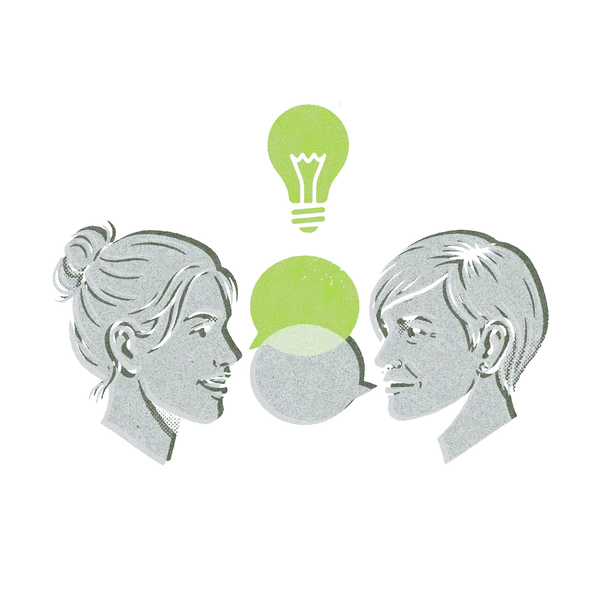 The Hub: people
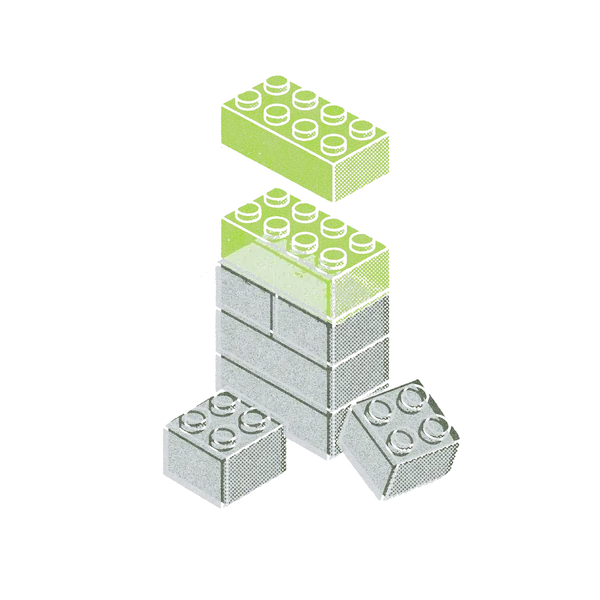 The Hub: technology
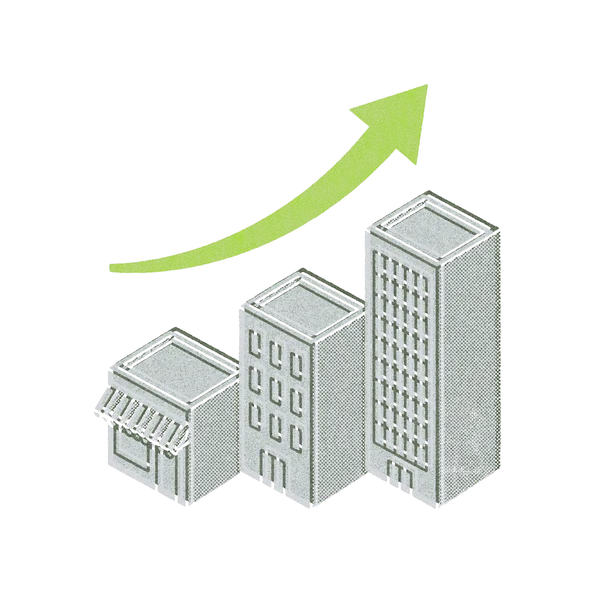 The Hub: commercial
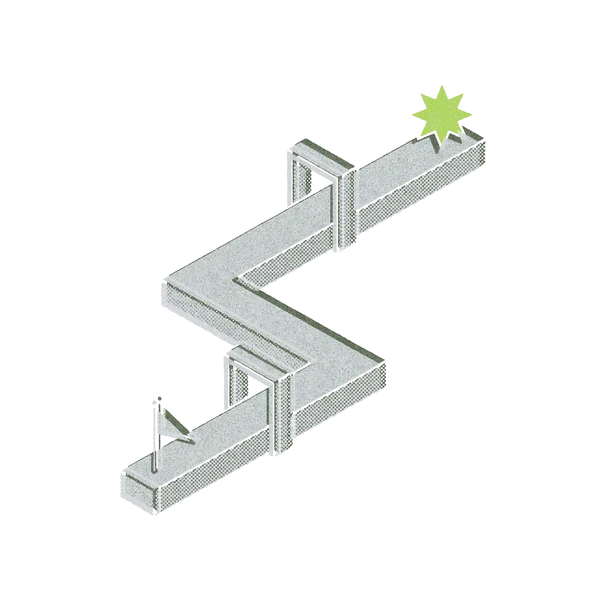 The Hub: process
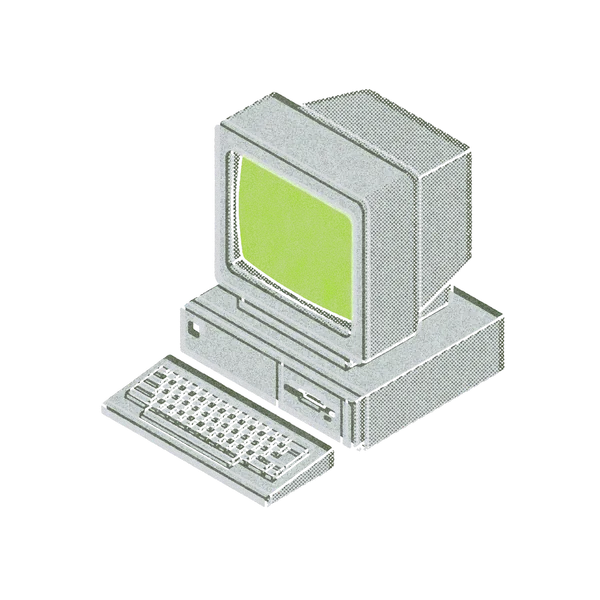 Foundry history, one
 Foundry history, two
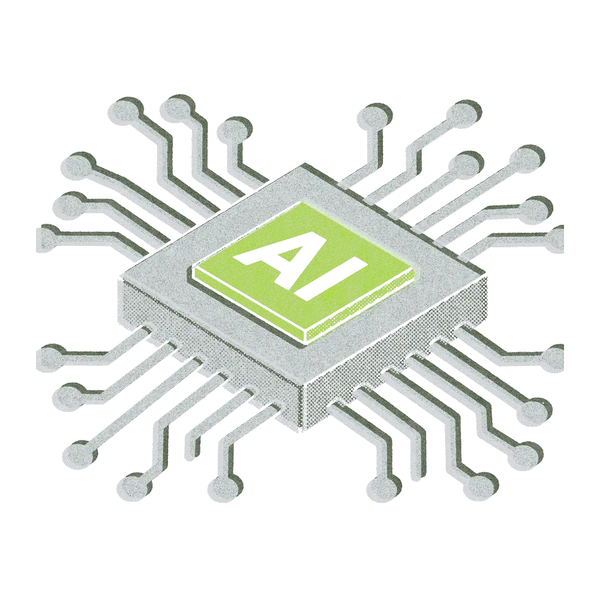 Foundry history, three
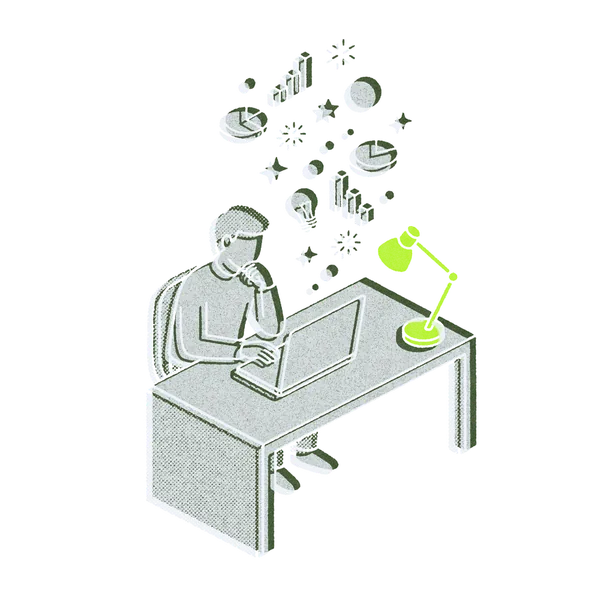 Empowerment
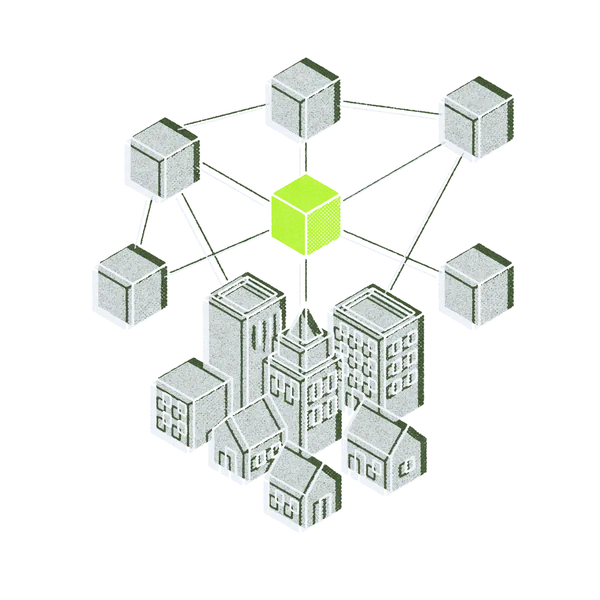 Collaboration
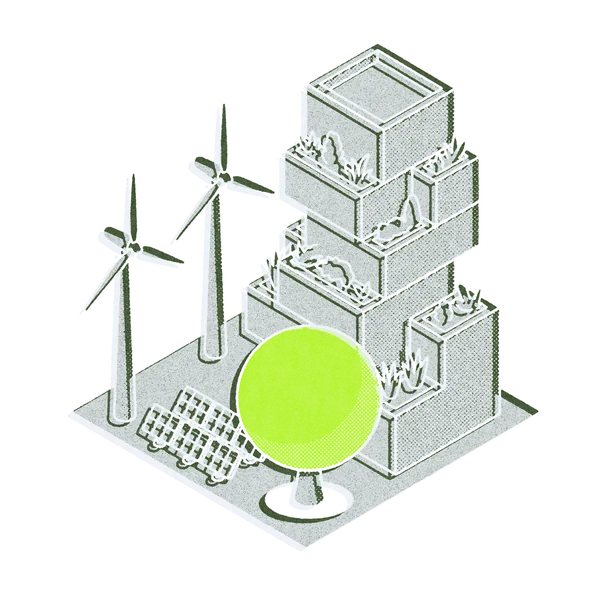 ESG
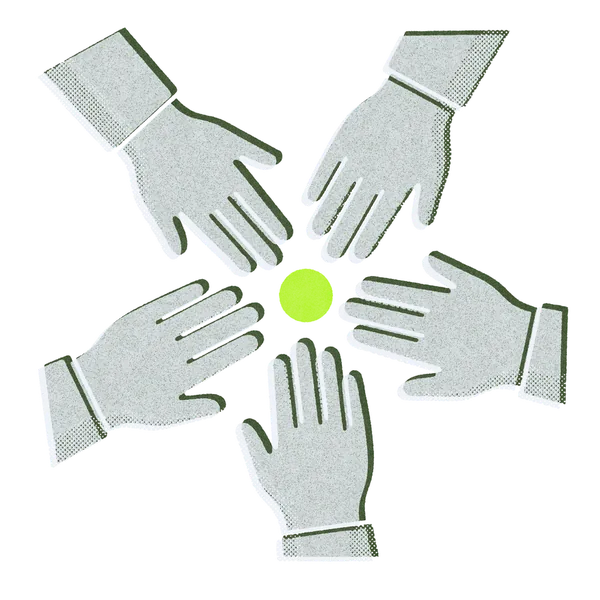 Altruism
03The layers
A drawing, three plates, a print.
The script separates the drawing by colour, inks each plate with grain and pinholes, knocks the forest and green off register, then stacks them. The same plates reprint it for a light ground.
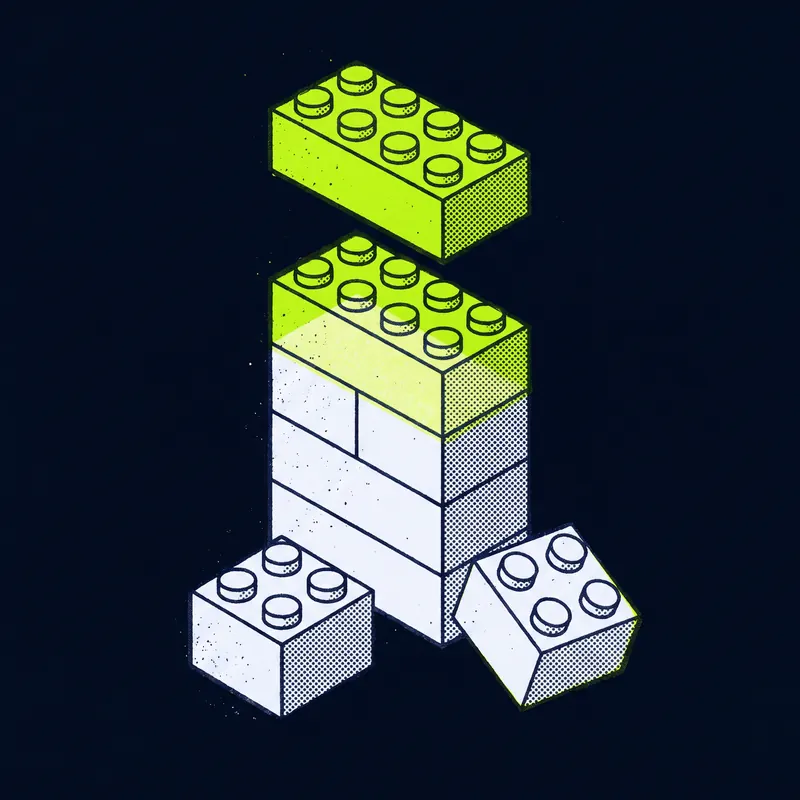
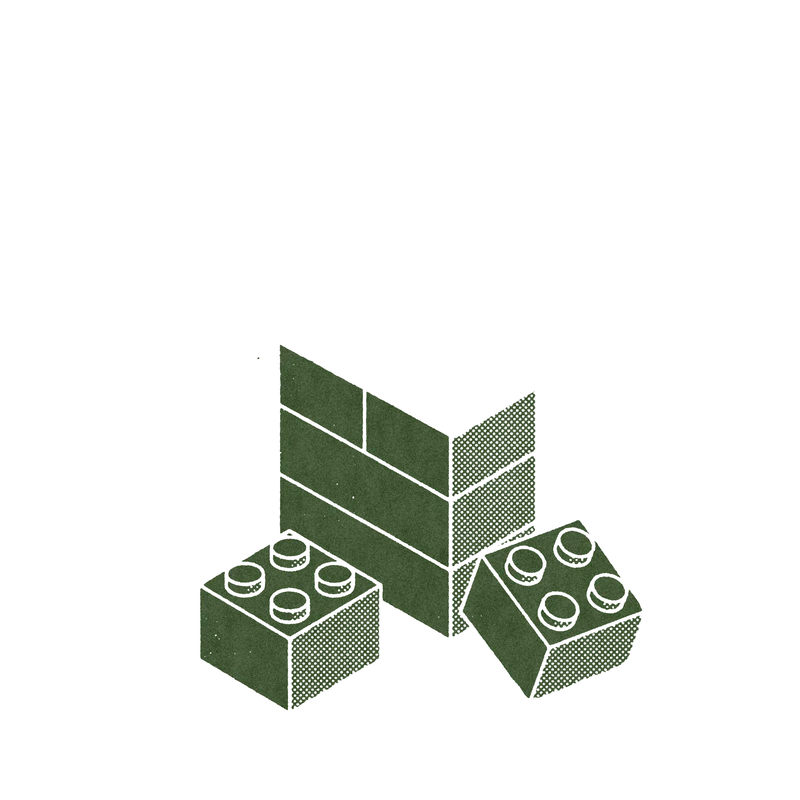
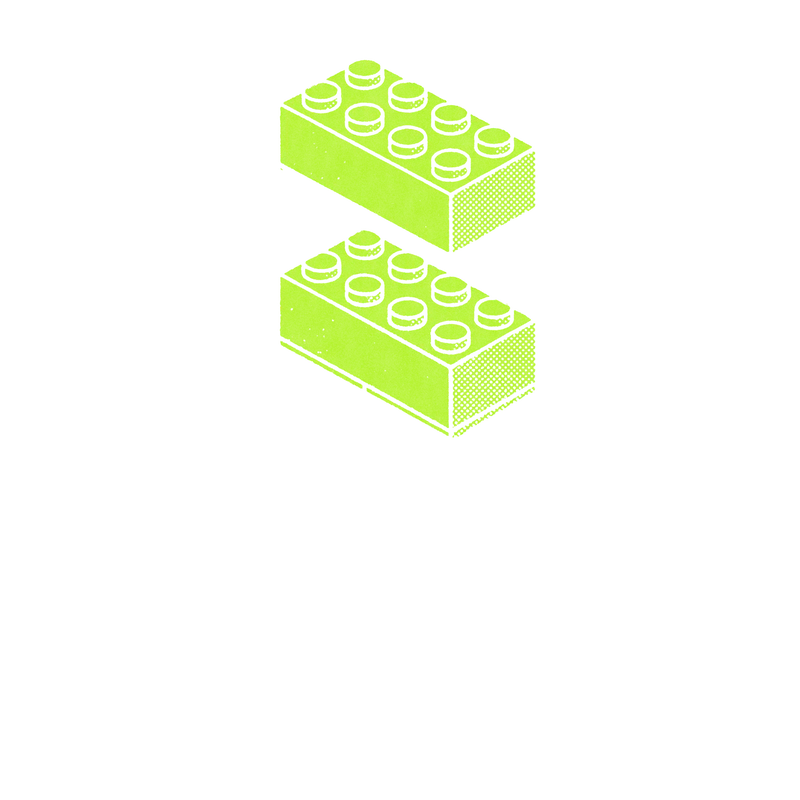
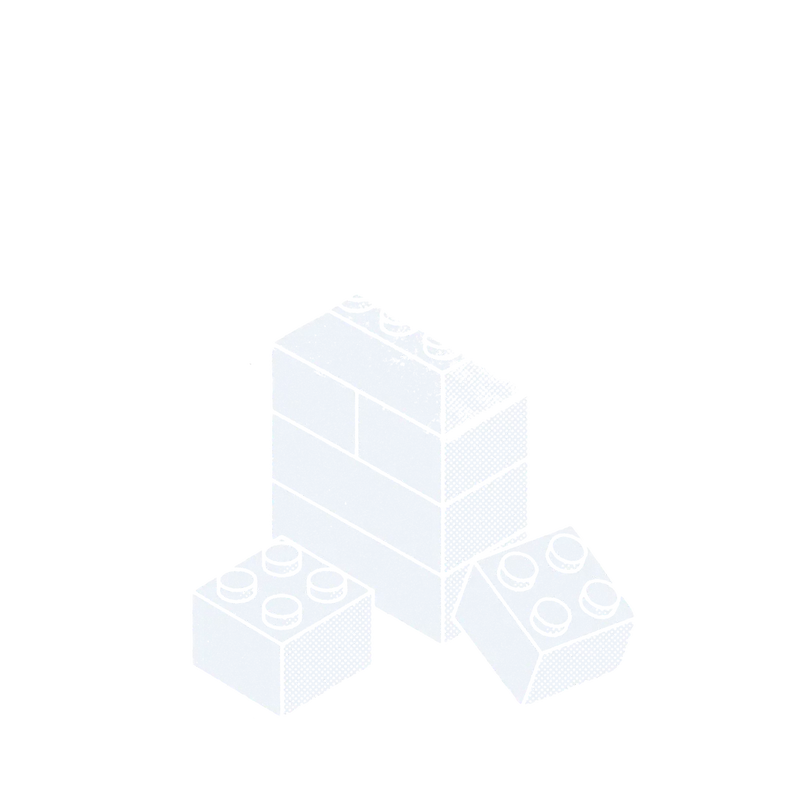
2. The three plates
04On a light ground
Reprinted, never reused.
On paper the dark set's key would vanish, so every print placed on a light ground is reprinted from its plates: an ink key, a pale blue-grey offset pulled in close, and the middle green as the accent.
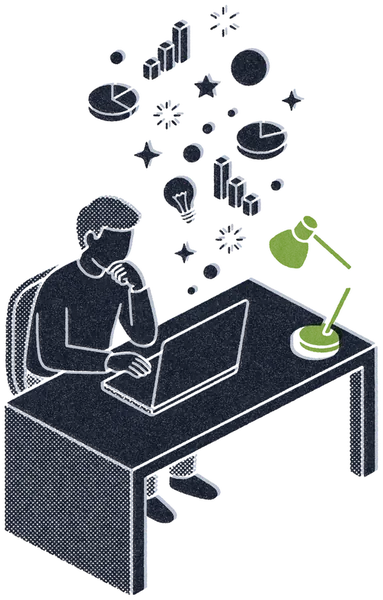 Empowerment
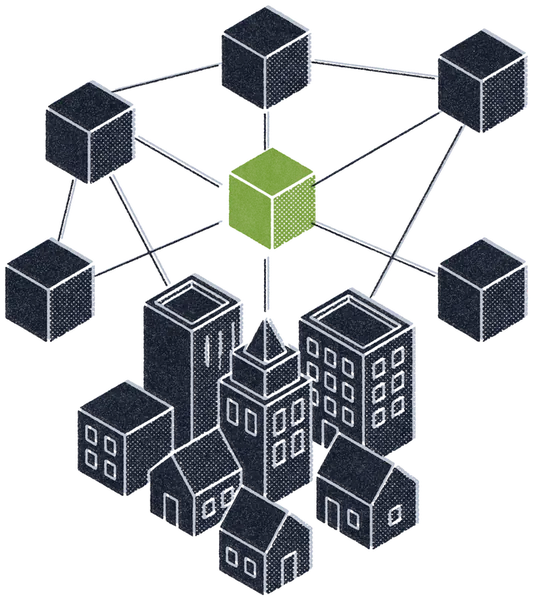 Collaboration
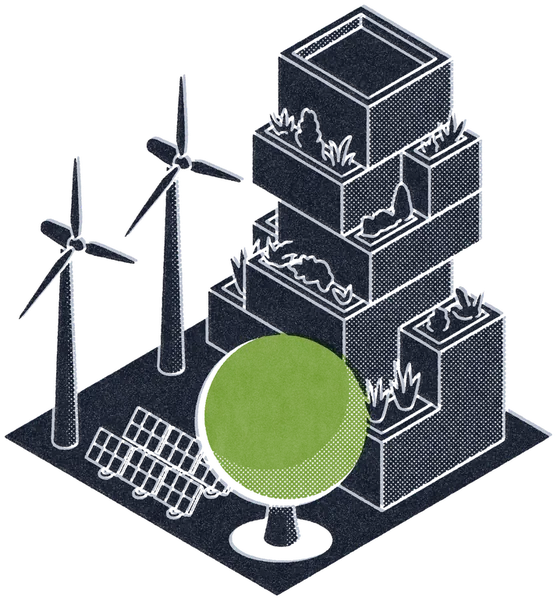 ESG
 Altruism
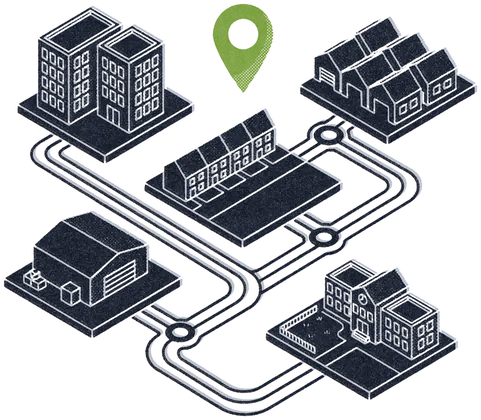 Places
 People
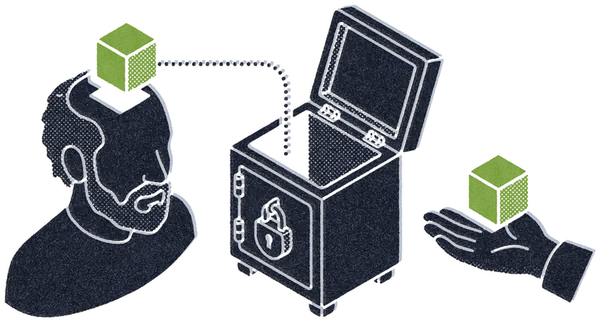 Intelligence
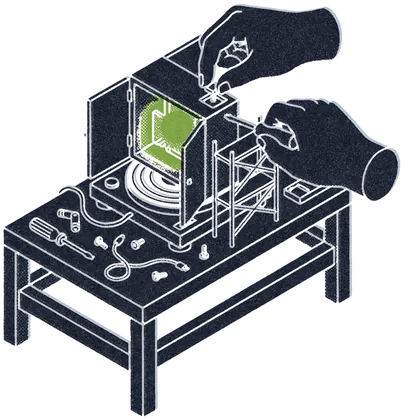 Active
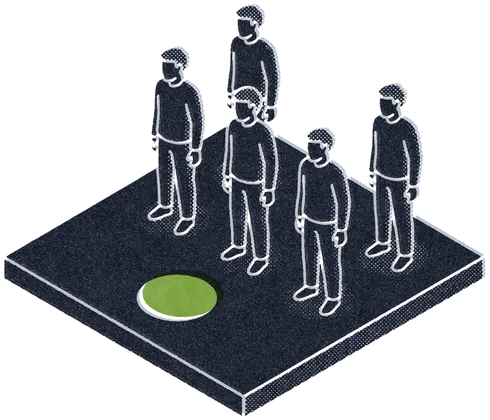 Partnering
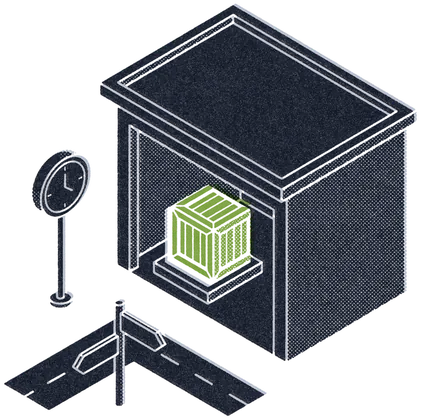 In reserve
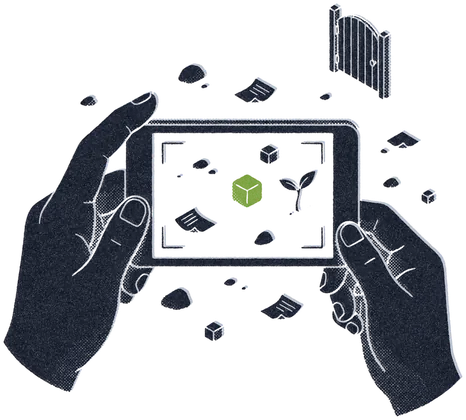 Exploration
05The standard
HUBIQ has two kinds of illustration, and they do different jobs.
- Riso prints are pictures: a scene or an object, printed as if on a risograph in three inks. They open a chapter, mark a field or carry a value. The Hub's four areas, the Foundry's history, Core's four passions and the Initiatives fields and stages are riso prints.
- Drawn figures are diagrams: thin lines that restate the argument of the paragraph
beside them. Their rules are in
hiq-core-design.md, section 8, "Editorial illustration is not iconography".
This file is the standard for riso prints: what they look like, how the layers work, the
brief they are drawn from and the steps that turn a drawing into a print. The scripts are
beside it in riso/. Moved into the design system on 26 October 2026 from hubiq.co.uk's
design-inspo/riso/, where the set was made and signed off by Gideon on 9 October 2026.
The look
Three inks, as if riso-printed on dark stock, and one print run for the whole set:
| Plate | Ink | What it carries |
|---|---|---|
| Forest | --ground-forest, #1B330B |
A copy of every white shape, printed underneath and knocked off register, up and to the right |
| Green | --house, #A9F20C |
One solid accent object per image. A shape, never an outline |
| Paper | --paper |
The key, printed last: the main subject, with a few pinholes |
Grain, roller banding, ink dropout, bitten edges and the register offset all come from the same script with the same random seed, so every image reads as part of one run.
On the page the inks land darker than their names, on purpose. They are
semi-transparent for the grain, so on the ink ground the green (about 63% coverage) lands
as an olive near #537214, paper (about 84%) as a light grey near #A0A6A8, and the
forest offset almost on the ink. Gideon saw it in place and kept it (9 October 2026): do
not "correct" the green to #A9F20C. A change to the inks belongs in riso.py, with the
whole set re-run.
How the layers are made
riso.py reads the drawing and separates it by colour:
- Green. Anything strongly green becomes the accent mask. Its dark linework is filled in, then the mask is cut back to seeds where only big solid shapes survive and regrown inside the shape, so points and corners come back and thin rims do not. Dark details drawn inside the accent (letters, a filament) are knocked out of every plate.
- Paper. Anything light and not green becomes the key.
- Forest. A copy of the paper shapes, less the green, to print underneath.
- Each plate is inked. Its edge is roughened, its coverage varies with soft noise and roller streaks, it gets grain and pinholes. Forest and green are moved 16 px right and 12 px up at 1,600 px (20 and 15 at 2,048): the misregistration.
- Stacked, forest then green then paper, onto a transparent canvas. No background: a print sits straight on the page ground.
riso_plates.py is the same maths and seed at 2,048 px, writing each plate as its own file
(<name>-forest.png, -green.png, -paper.png) so a film can print them one by one, and so
a print can be reprinted for a light ground.
On a light ground: reprint, never reuse
The set is printed for dark grounds; on paper or mist the paper key vanishes. Every riso print placed on a light ground is reprinted from its plates (Gideon, 19 October 2026):
| Plate | On a light ground |
|---|---|
| Paper key | Ink, #000614 |
| Forest offset | Pale blue-grey #ACB6C6, pulled in to about 1 css px from the key (the first try, #8A96AA at 2 px, read as blur; 21 October 2026) |
| Green accent | The middle green #5E8C14, always: not house green, not forest |
light-prints.py does it from the plates and writes <name>-light.png, cropped to the ink.
The faint textures behind some headings on hubiq.co.uk (.v2-os-riso-bg) are the one
exception: an inverted greyscale ghost with no accent at all.
The brief
Every print starts as a drawing made with Nano Banana Pro on Replicate, passing an
approved print's source drawing as image_input, so the style carries across. The brief,
as recorded when the set was made:
Bold flat mid-century riso illustration, thick dark linework, main subject solid off-white with coarse halftone shading, ONE solid lime-green accent object, full-bleed near-black navy background, no frame, no text unless wanted.
Then the subject, in one sentence. Take the subject from the sentence the print sits beside, not from its heading. The Initiatives stage prints were drawn from what each stage means (a core being shaped; a formation with its lead spot empty; a finished thing waiting; a loose field being framed), not from the stage names. The drawn-figure rules in section 8 apply to the choice of subject too: no rockets, lightbulbs, jigsaw pieces or handshakes across a globe, and no subject that is the category's name drawn literally.
Making one, step by step
- Draw it: Nano Banana Pro on Replicate, an approved source as
image_input, the brief above plus the subject. Keep the 2,048 px drawing locally in asources/folder (they are about 6 MB each and are kept out of git). python3 riso/riso.py sources/<name>.png <name>.pngmakes the dark print (Pillow and NumPy).- Pad it to 88% on a 1,000 px transparent canvas and save it at 900 px, as the others are.
- For a light ground:
uv run riso/riso_plates.py sources/<name>.png <plates-dir> <name>, thenRISO_PLATES=<plates-dir> python3 riso/light-prints.py <out-dir> <name>. - Look at it in place, at the size it ships, beside the rest of its set.
If riso.py changes, re-run the whole set, or the grain drifts between images.
Rules
- One accent object, solid. Never a green outline, never two green objects.
- No words in the artwork. Live text only, so it can be read, translated and indexed.
- No frame and no background: the page ground is the stock.
- A dark print never goes on a light ground. Reprint it.
- A set on one page comes from one print run and one scale.
alt=""when the print restates the text beside it, which it should; a real description when it does not.
Where the files are
| What | Where |
|---|---|
| Scripts | illustration/riso/ here: riso.py, riso_plates.py, light-prints.py |
| Web-sized prints for the design system site | illustration/riso/web/ (WebP, 600 to 800 px) |
| The prints a site uses | That site's public/media/ (hubiq.co.uk: hub/, foundry/, core/, initiatives/) |
| Source drawings | Local only, ~/Projects/HubIQ/hubiq-web-v2/design-inspo/riso/sources/ |
| Plates | ~/Projects/HubIQ/hubiq-films/home-hero/assets/plates/ |
The scripts: riso.py, riso_plates.py and light-prints.py.